 Available
Cleaning
Home and apartment cleaning requests.

Divioma helps customers and professionals meet: requests, responses, chat, and statuses — all in one place.
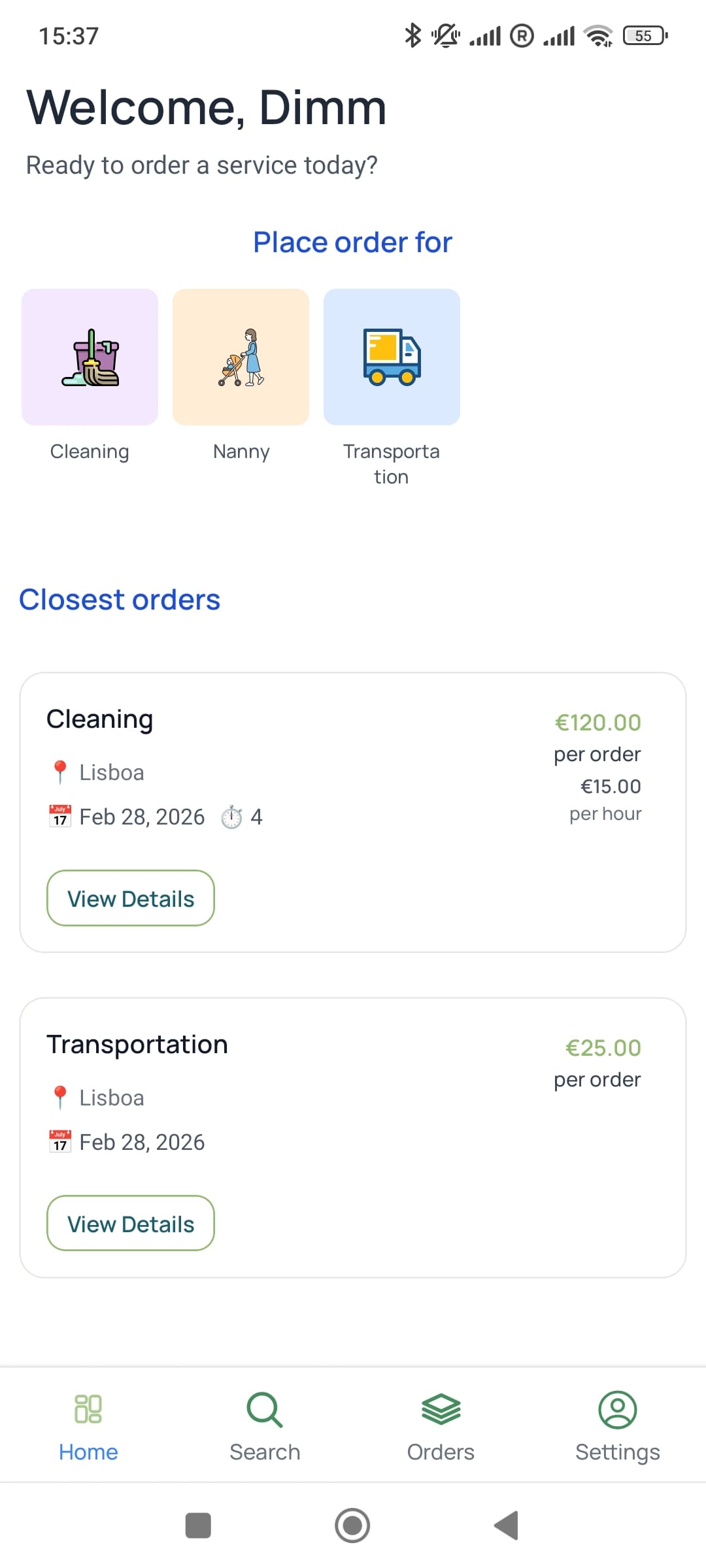
Divioma keeps the whole order flow in one place: from creating a request to completion and payment confirmation.
Create a request, choose a professional, and agree in chat. All the conversation history and statuses are always at hand.
Find nearby jobs, respond quickly, chat, and manage the process — from the first message to completion.
Switch between customer and professional roles to see available service categories in the app.
Choose a category, create a request, and get responses from nearby professionals.
AvailableHome and apartment cleaning requests.
 Available
Babysitting and childcare tasks.
 Available
Moving help and transportation orders.
 Coming soon
Small home repair jobs. Available soon.
 Coming soon
Walk and pet care tasks. Available soon.
The process is transparent for both sides and easy to track in the app.
Describe the task, location, timing, and budget.
Nearby professionals send responses for the request.
If needed, both sides clarify scope and conditions in chat.
Customer confirms the best candidate for the job.
Work is delivered according to the agreed details.
Customer confirms completion and marks the order as done.
Reviews and ratings will be added in an upcoming release.
Quick answers to the questions people usually have before installing the app.